
Compose Multiplatform vs CORS
Table of contents
Compose Multiplatform vs CORS
The problem
I’m a Kotlin developer, and I really love building my own side projects in Kotlin. For the UI, I use Compose Multiplatform, of course.
On the one hand, my apps work natively on all platforms, including Android and iOS. On the other hand, publishing them in the official app stores is a huge problem. It’s expensive and requires filling out a lot of forms. And every six months to a year, both Google and Apple require you to update your apps to use new SDKs.
That’s why I prefer to publish them as static websites, for example, on Cloudflare Pages. It’s much faster, and thanks to PWA technologies, people can use my apps almost like native apps.
And, of course, I should mention that I work in the Compose Multiplatform team and am currently optimizing the web target.
One source of inspiration for new apps is the apps I already use. For example, apps for small services that I don’t use very often. But even that is enough to make me annoyed by how badly the UI is made and how poorly it fits my use cases. So I can easily check exactly what requests the app sends to its servers and build a small wrapper for myself. After all, an app always uses some API, right?
Usually, the easiest way to do this is to find the web version of the service and use the browser to see how it communicates with its backend. After that, the rest is easy. You create a new Compose Multiplatform app (e.g. with my wizard), run Hot Reload on desktop, and build what you need pretty quickly. And it works! 🚀
Then I build the web distribution and deploy it, for example, to Cloudflare Pages. I strongly recommend that you don’t use GitHub Pages for your Compose apps. It has almost no settings, and, for example, the cache lifetime is only a few minutes. That means your web app will be downloaded again every time you open it, even if nothing has changed and the browser could use what’s already saved in the cache on your device. There’s been an issue about this for a long time, but Microsoft doesn’t seem to care about it at all.
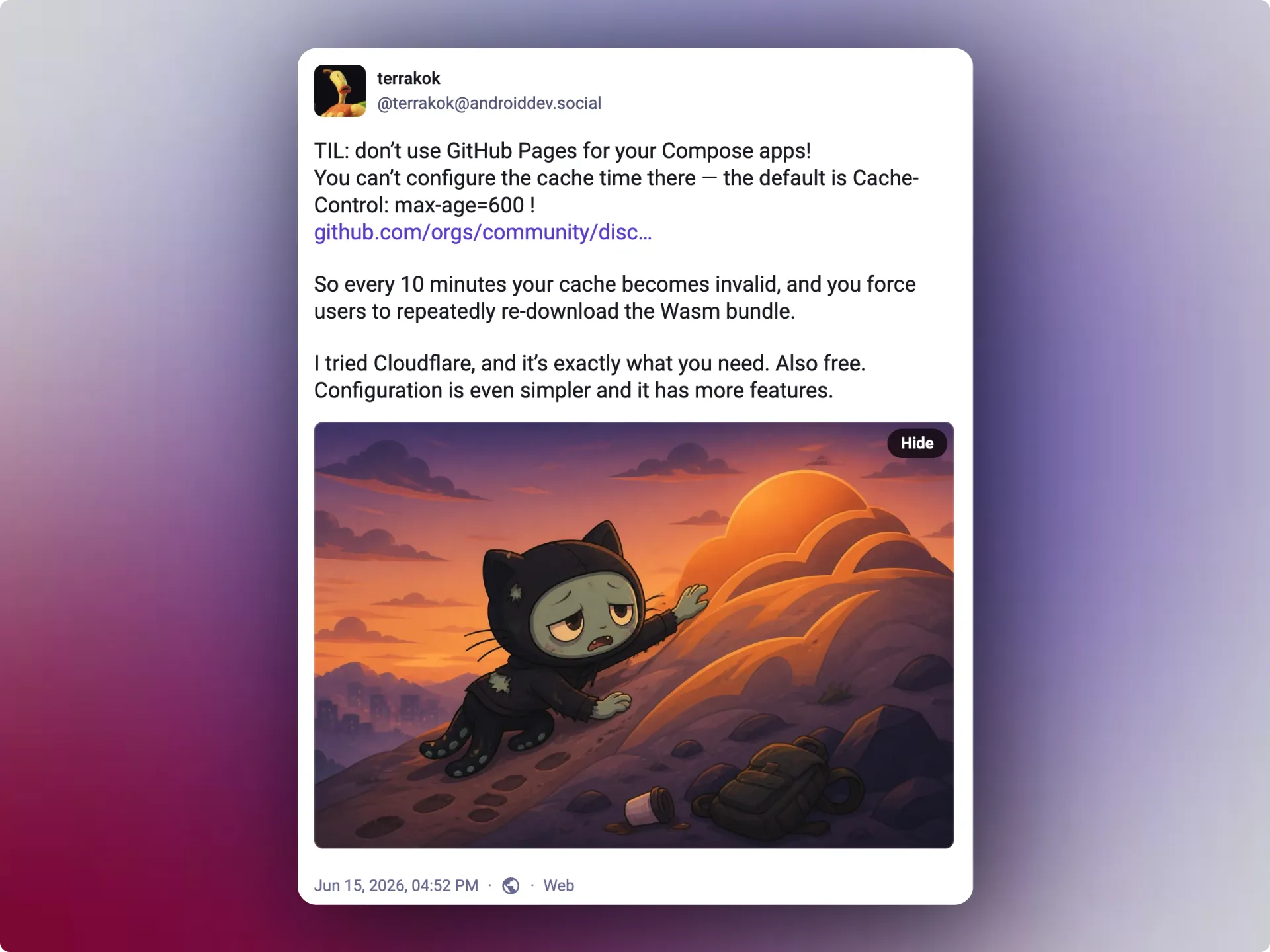
So use Cloudflare. It’s much better, and it’s even easier to use. It’s also free for the kinds of projects people usually build as pet projects.
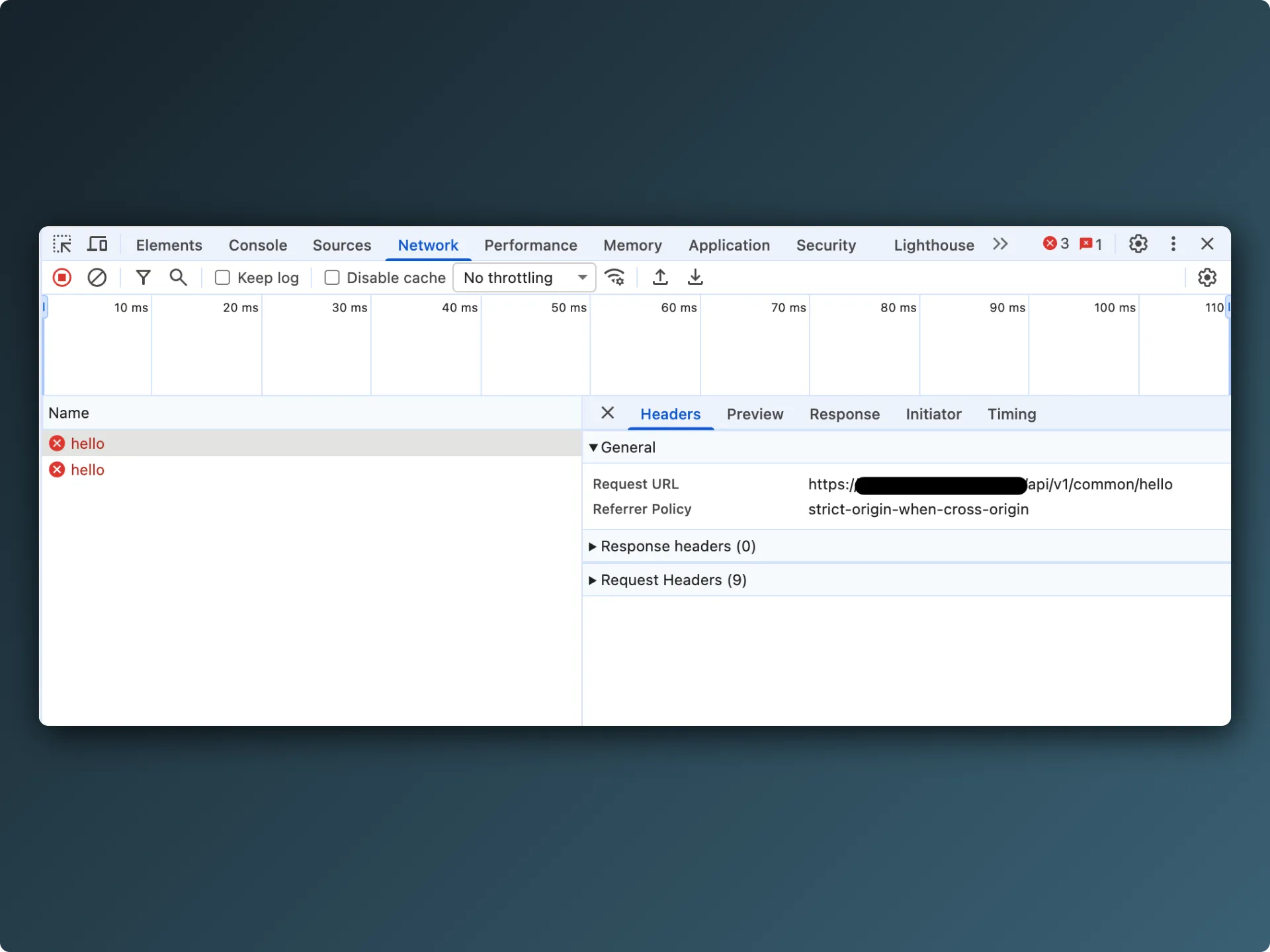
So, we’ve deployed our static web app to some service. We try to run it and see this:
What is CORS?
This is a very common error that every web developer knows. Let’s figure out what it means.
Our web app in the browser sent a request to some third-party service. The service’s backend sent us a response, but included certain security policies in the response headers. The browser on our side checked those policies and didn’t let our app read the response. So the browser is the thing causing the problem. That’s why we don’t see this kind of error in a desktop or mobile app, for example.
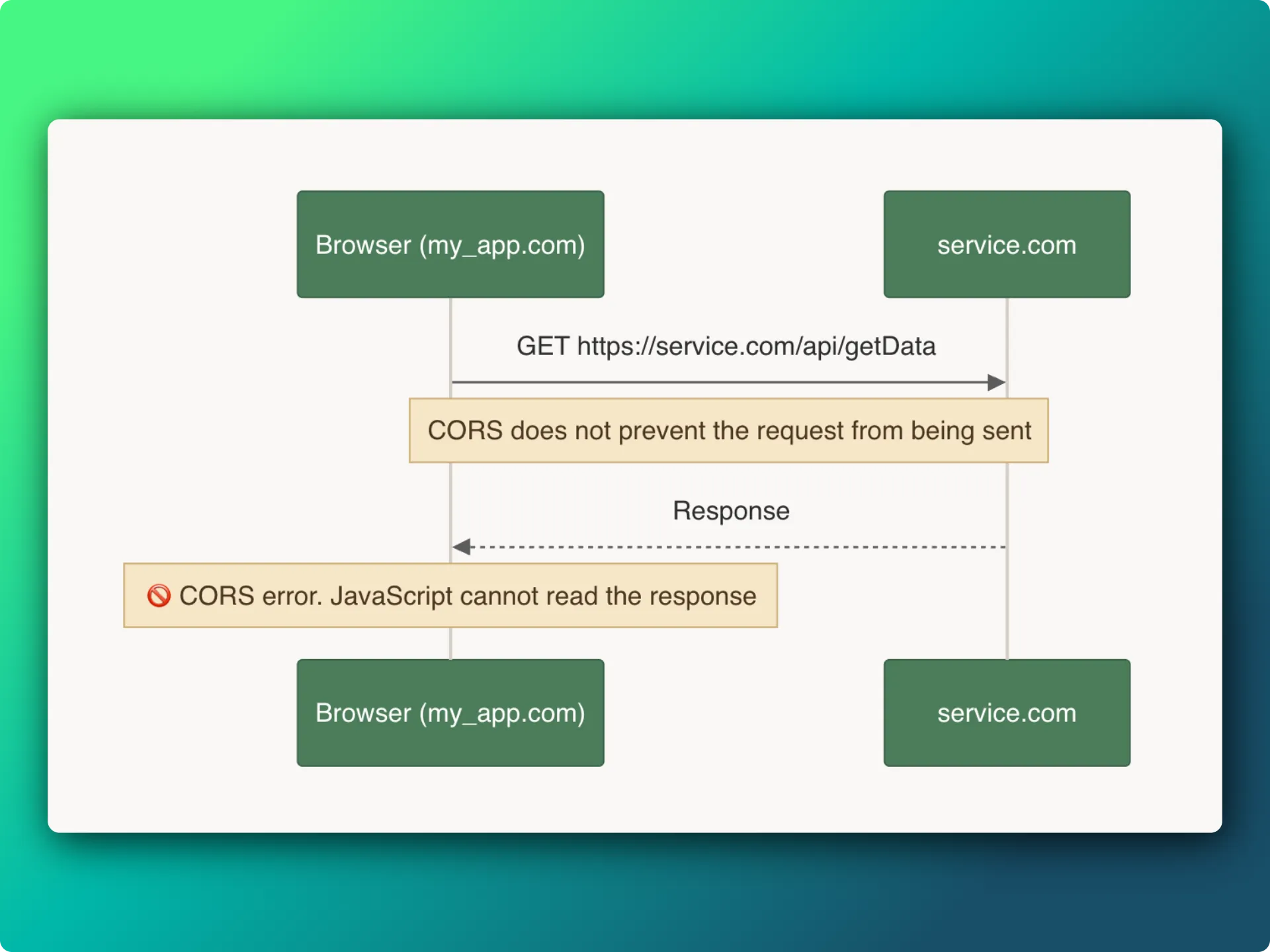
I understood how this error works a long time ago, but I couldn’t understand why it existed. My thinking was simple: if other types of apps can make these requests, why does the browser get in our way? Then, finally, it all clicked for me. 😂
The thing is, unlike other platforms, browsers do some things implicitly when making requests to external services. For example, with every GET request (and other requests too), the browser attaches extra data stored in cookies. This means developers don’t have to do anything special to provide information that the server expects to receive in a request.
Cookies work like this: the server can ask the user’s browser to store some data in cookies and send it along with later requests. That’s why many systems have traditionally used cookies for authentication, and maybe still do. A typical example is an access token stored in a cookie. Whenever the browser sends a request to that server, it automatically gets the token from the cookie and includes it in the request.
The security problem
And, as you can probably see, this creates security problems. Imagine I made a simple website with my own JavaScript code running on it. When users visit my site, the JavaScript starts sending requests to the API of some popular bank, asking it to transfer money to my account. If the user is already logged in to that bank in their browser and their credentials are stored in cookies, then without special protection, the browser will simply send the saved token from the cookie along with my plugin’s request. I don’t think you’d want to end up in that situation. 💸
That’s why most backend frameworks set policies by default so that the service’s API can only be accessed from the same host where the backend is running. Usually, that’s how things are set up: the app’s frontend runs in the same place as its backend. Or, at least, on the same hostname.
There’s one important detail: if your backend uses an Authorization header instead of cookies for authentication, then this situation isn’t a problem. Everything I described above applies specifically to data stored in cookies.
Still, the defaults are generally right. These policies aren’t needed for clients other than web clients, and the web frontend usually runs in the same place as the backend.
But how can we get around this restriction if I want to build a web app that uses an external service’s API, and that API has these policies?
The full solution
Basically, the only way to solve this problem is to create your own proxy server. It sends requests to the original server and returns the data to you. Since you control your proxy server, you can either disable these policies, so your app’s frontend can still be hosted anywhere as a static app, or build a full-stack app where the backend and frontend run on the same host.

That’s exactly what I had to do before I found the simple solution, which I’ll talk about later. I didn’t want to deal with setting up a full-stack app, so I decided to host my own server on my cloud machine. I quickly built a simple proxy server with Ktor and deployed it to my cloud server. Since this was the first time I’d ever done anything like this, I had to learn quite a few new technologies. It’s not that easy when you’re a beginner. But in the end, building a local fat JAR for my server and using a simple Docker container helped a lot. Now, at least, I’m not afraid of this approach.
Next, I checked that my API worked when accessed directly through IP:PORT.
But when I moved my web app to the new address, I was very disappointed.
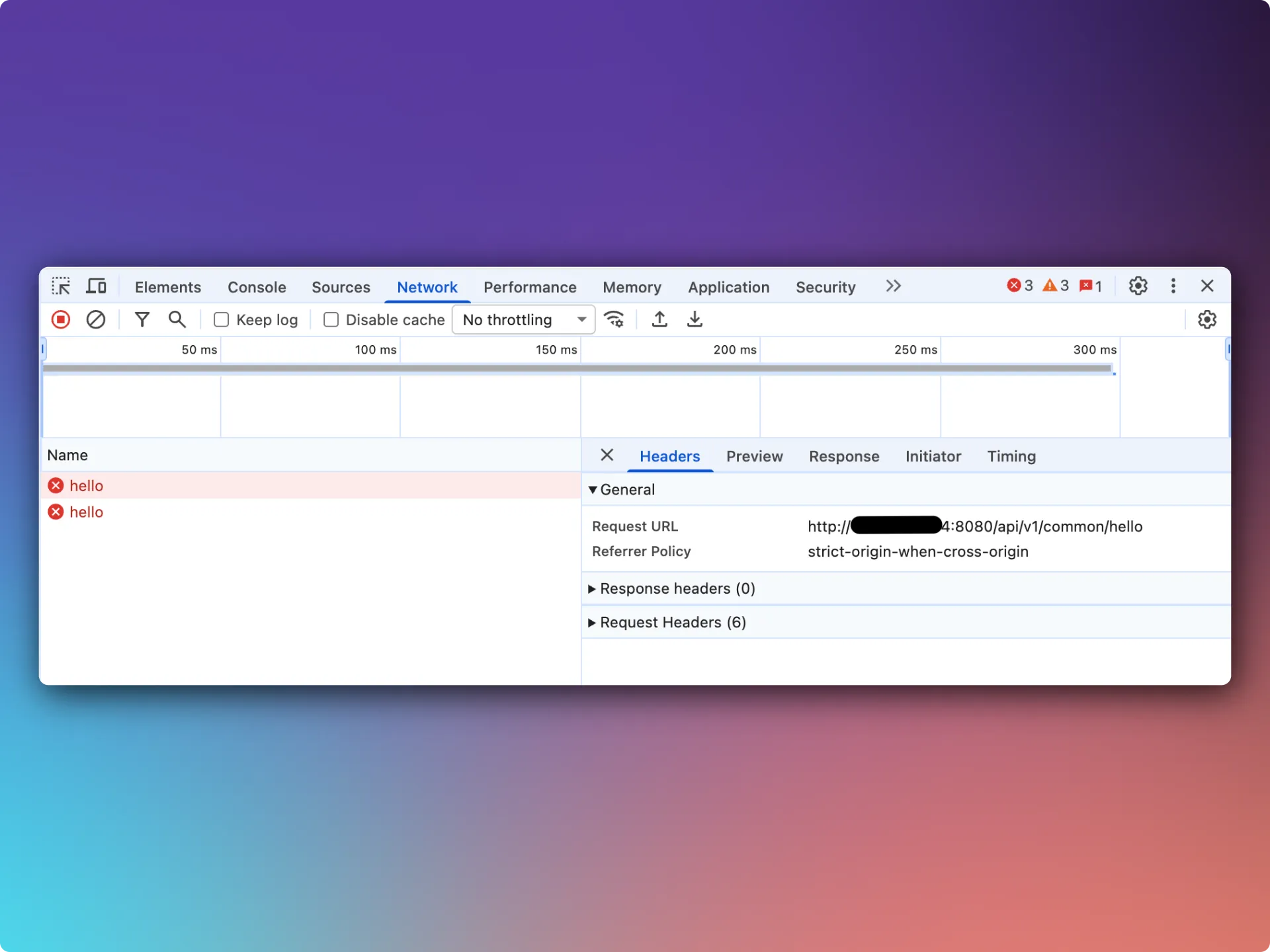
This error means that the browser blocks requests to HTTP services when your app is running over HTTPS. To fix it, I’d obviously have to get a TLS certificate and attach it to my server’s IP address. The task isn’t exactly difficult, but I wanted to build a simple web app. The effort needed to get it running was already more than I was willing to put in. 🤯
At this point, I was discussing these problems with an AI agent. It casually mentioned that there was a much simpler way to do all this.
Cloudflare Workers
As I said, I prefer using Cloudflare Pages. I started using it because Cloudflare has reasonable caching policies.
But the service is actually called Cloudflare Workers. It brings together not only Pages, but Functions too. These Functions let you upload simple JavaScript code along with your static website. The code runs inside a Node.js server. And all of this is free. You just need to put the JavaScript files (or TypeScript files) in a specific folder in your project.
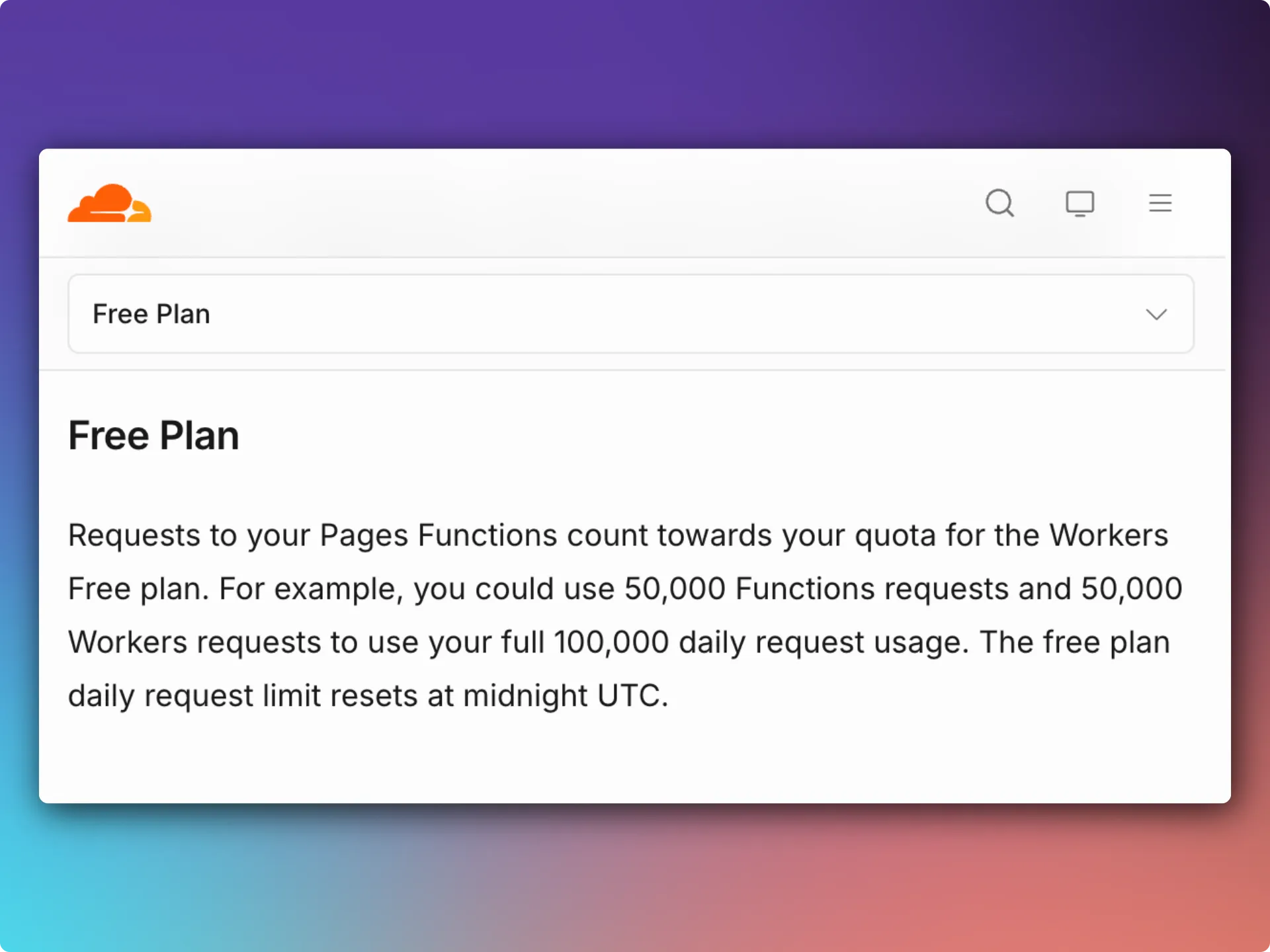
As I said, our whole server is just a proxy for requests to an external server. So it’s not difficult to build it in JavaScript. Of course, you can use Kotlin and compile it to JavaScript, then upload it all to the server. But I don’t think that makes sense for such a simple task.
In the end, I created a simple TypeScript file that describes how to proxy my requests to the external server. I intentionally added some filters so nobody else could use my proxy for their own purposes, since the free plan limits the number of requests per day.
./functions/_middleware.ts
const ALLOWED_METHODS = "GET, POST, OPTIONS";

export const onRequest: PagesFunction = async (context) => {
    const request = context.request;
    const origin = request.headers.get("Origin");

    if (request.method !== "GET" && request.method !== "POST" && request.method !== "OPTIONS") {
        return new Response("Method Not Allowed", {
            status: 405,
            headers: new Headers({
                Allow: ALLOWED_METHODS,
                ...Object.fromEntries(corsHeaders(request, origin)),
            }),
        });
    }

    if (request.method === "OPTIONS") {
        return new Response(null, {
            status: 204,
            headers: corsHeaders(request, origin),
        });
    }

    const url = new URL(request.url);
    url.hostname = "service_api.com";

    const headers = new Headers(request.headers);
    headers.delete("User-Agent");
    headers.delete("Origin");
    headers.delete("Host");
    headers.delete("Content-Length");

    const init: RequestInit = {
        method: request.method,
        headers,
        redirect: "follow",
    };

    if (request.method === "POST") {
        init.body = request.body;
    }

    try {
        const upstream = await fetch(url, init);
        const responseHeaders = new Headers(upstream.headers);

        for (const [name, value] of corsHeaders(request, origin)) {
            responseHeaders.set(name, value);
        }

        return new Response(upstream.body, {
            status: upstream.status,
            statusText: upstream.statusText,
            headers: responseHeaders,
        });
    } catch {
        return new Response("Proxy request failed", {
            status: 502,
            headers: corsHeaders(request, origin),
        });
    }
};

function corsHeaders(request: Request, origin: string | null): Headers {
    const headers = new Headers({
        "Access-Control-Allow-Origin": origin ?? "*",
        "Access-Control-Allow-Methods": ALLOWED_METHODS,
        "Access-Control-Allow-Headers":
            request.headers.get("Access-Control-Request-Headers") ?? "*",
        "Access-Control-Expose-Headers": "*",
        "Access-Control-Max-Age": "86400",
        Vary: "Origin",
    });

    if (origin !== null) {
        headers.set("Access-Control-Allow-Credentials", "true");
    }

    return headers;
}
Conclusion
Now I have a ready-to-use solution for deploying my simple web apps without CORS problems. It all takes just one file and about ten lines of TypeScript code. I hope this helps you too.
I don’t want to tie myself to Cloudflare Workers specifically, but they’ve made this really convenient and simple. Check whether your favorite service has something similar.